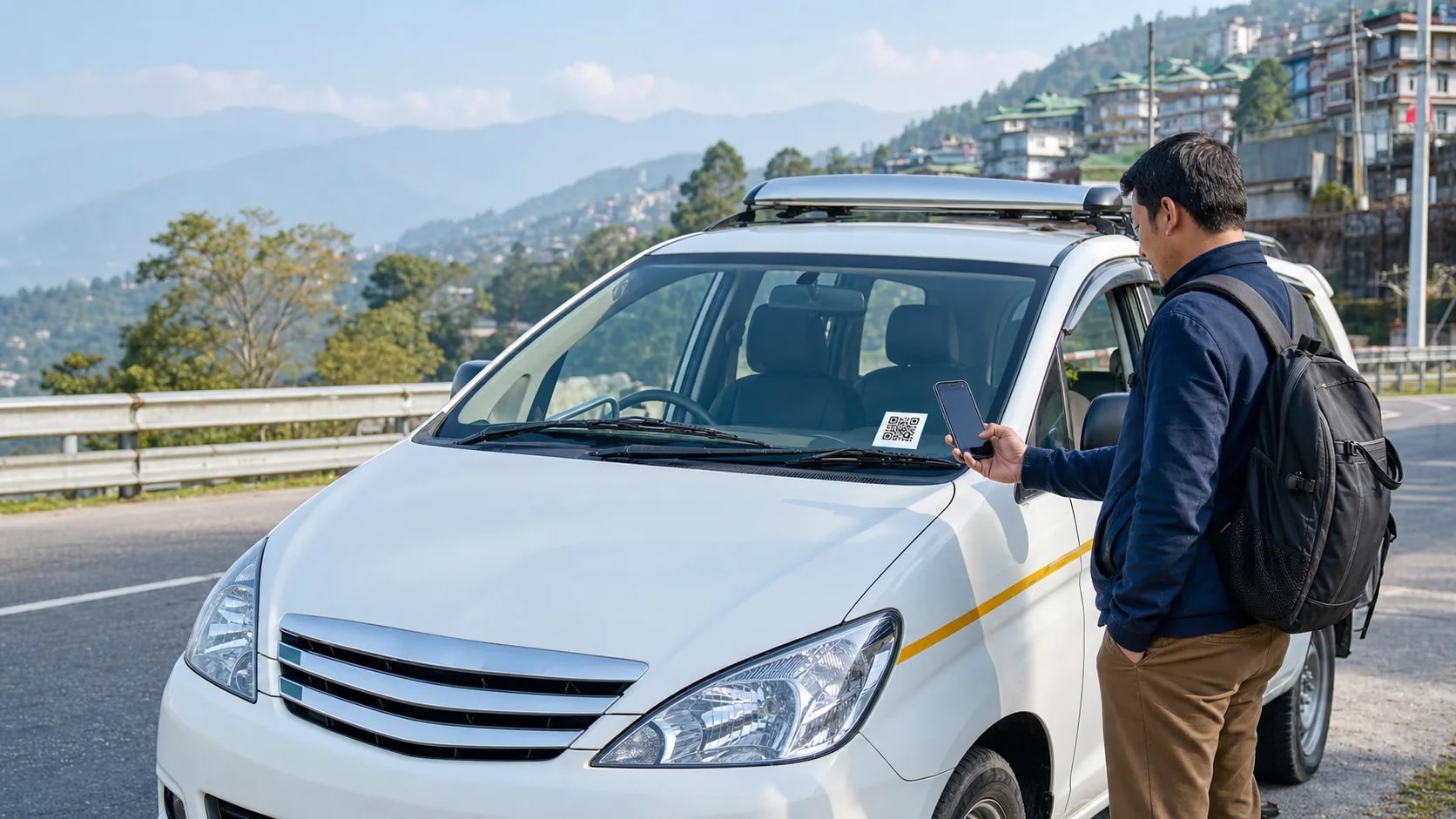
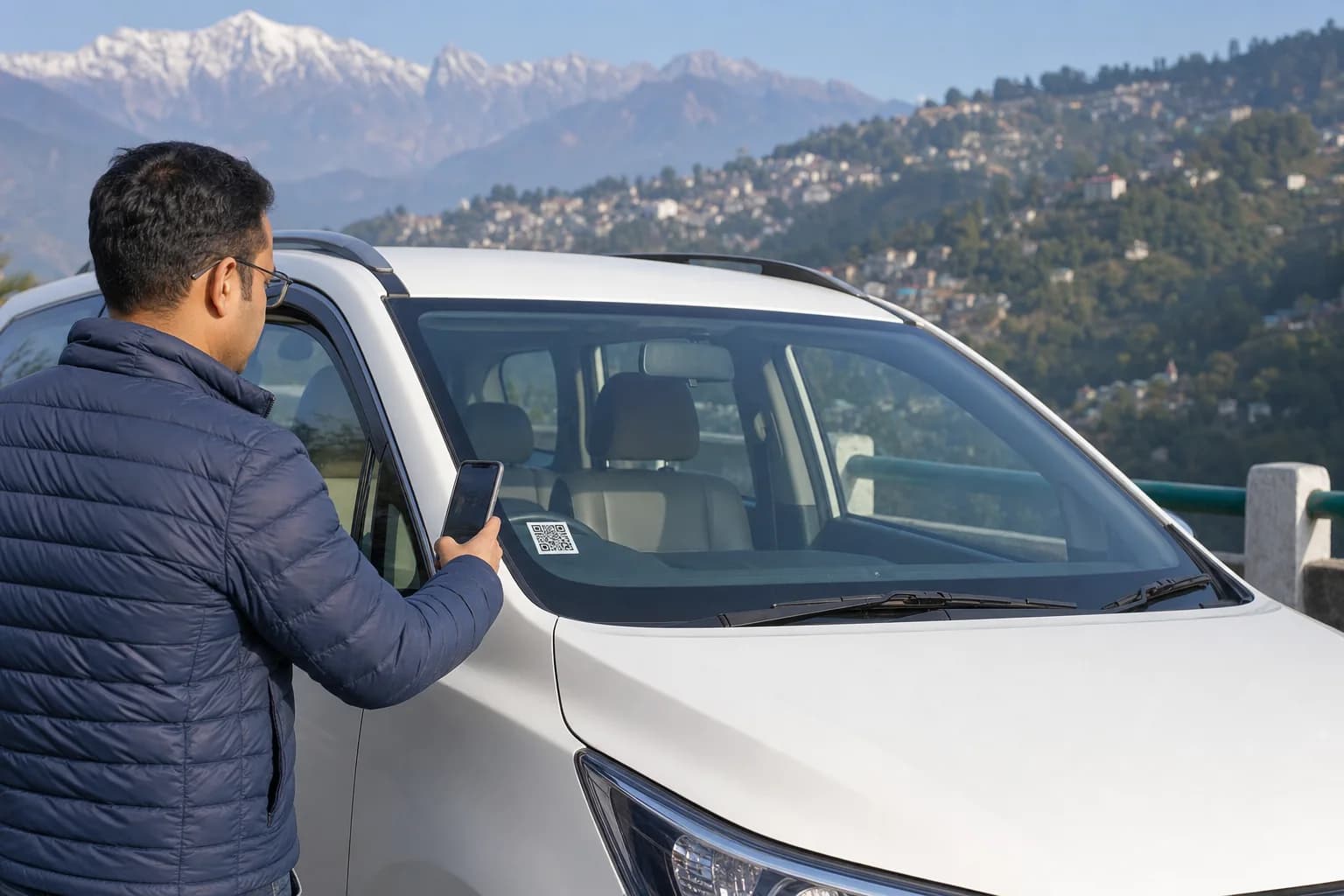
Scan. Verify. Register. Travel.

Verified rides, safer journeys, faster emergency response.

Sarathi Suvidha turns every registered vehicle QR into a passenger registration, vehicle verification and travel assistance gateway.

Explore Platform
Vehicle QR verification visual
Scan windshield QR Verify vehicle and driver Submit ride record
QRvehicle verification24x7response-ready supportNo loginscan-first registration
Digital platform on the go

A connected travel layer for passengers, drivers and registered vehicle owners.

The experience is designed around one simple action: scan the vehicle QR. Behind that action sits verification, passenger details, emergency support and service assistance.

Yatri Suvidha

Passenger ride registration

Passengers scan the vehicle QR, verify the vehicle, enter minimum travel details and continue the journey.

Sarathi Suvidha

Driver assistance

Registered drivers can be connected to paperless support, emergency help and insurance assistance workflows.

Owner Suvidha

Owner and vehicle services

Vehicle owners can maintain document status, authorised driver assignment and roadside assistance readiness.

24x7 support

Emergency and call centre

Call centre support, breakdown assistance, recovery coordination and emergency escalation.

Passenger QR journey

Mobile-first registration for the moment a passenger reaches the vehicle.

No account wall. No OTP friction. The passenger scans the windshield QR, verifies the vehicle, enters journey details and submits consent before travel.

01

Scan vehicle QR

The windshield QR opens the registered vehicle page on the passenger phone.

02

Verify live details

The passenger sees current vehicle status and the active driver assignment.

03

Submit journey

Name, passenger type, count, route and consent are saved before travel.

Vehicle VerifiedSK-01-T-1234
Current driver assignment Journey from and to Passenger type and count Consent captured
Yatri, Sarathi and Owner Suvidha

Service modules with real user outcomes.

Passenger services

Yatri Suvidha gives passengers verification and travel support.

After scanning the QR, passengers see the vehicle context, submit trip details and access helpful travel services.

Driver and vehicle details Travel insurance enquiry when enabled Online enquiry and travel information ILP, amusement and where-to-visit guidance Emergency helpline Feedback and complaint registration
01Driver and vehicle details
02Travel insurance enquiry when enabled
03Online enquiry and travel information
04ILP, amusement and where-to-visit guidance
Passenger travel assistance

More than registration: route, enquiry, emergency and local support.

Route Info

Route information and journey guidance for passengers before and during travel.

Where To Visit

Travel information for places, route context, amusement options and supported tourist enquiries.

Gas Station

Nearby fuel point information can be surfaced as part of route assistance.

Restaurants

Passengers can be guided toward food and rest stops along supported routes.

Lavatory

Public facility information can support safer and more comfortable journeys.

Medical

Medical and emergency assistance pathways can be surfaced when required.

Feedback & Complaint

Passengers can raise feedback or complaints connected to their registered journey.

Online Enquiry

A structured enquiry path can support travel questions, ILP guidance and service requests.

Emergency response and recovery vehicle visual
24x7 emergency response

Breakdown, accident, recovery and call-centre support in one response chain.

Passenger and vehicle records make emergency response more traceable: who travelled, which vehicle, what route, and what support was needed.

01

Incident reported

Passenger, driver or field user raises an emergency or support request.

02

Location identified

Vehicle, route and current support context are reviewed for response.

03

Support dispatched

Call centre, recovery, medical, service or field assistance is coordinated.

04

Record closed

The case remains traceable through the operational record for review.

Sarathi Suvidha Centre

QR enable centre for vehicle enrolment, document validation and dynamic driver assignment.

Vehicle owners and operators can use the centre workflow for registration, renewals, authorised driver updates and windshield QR printing.

Vehicle Enrolment

Registration number, owner details, chassis, engine, colour and contact information.

Document Validation

Fitness, tax, insurance and permit validity details are captured and updated.

Driver Assignment

Authorised driver information can be updated without changing the vehicle QR.

QR Print

A permanent windshield QR is generated for passenger scan and live vehicle verification.

Sarathi Suvidha centre visual
Process flow

From registration desk to passenger travel record.

01

Vehicle and owner enrolled

Centre records vehicle, owner and document details including fitness, tax, insurance and permit validity.

02

Driver mapped

Authorised driver details are linked digitally so assignment changes do not require a new QR sticker.

03

QR generated

A permanent vehicle QR is printed and fixed on the vehicle for passenger verification.

04

Passenger scans

The QR opens the passenger registration page with vehicle and current driver context.

05

Travel record created

Passenger name, optional mobile, route, date, passenger type, count and consent are submitted.

Record scope

Vehicle, driver and passenger records connected through the QR.

Vehicle

RC and vehicle fitness Permit and tax validity Insurance details Pollution/document status

Driver

Driving licence Insurance details Emergency contact Driving authorization

Passenger

Name and optional contact Journey from and to Passenger type and count Consent and travel date
Passenger questions

Clear answers before the ride starts.

No. The public flow is scan-first: passengers scan the QR and submit the required journey details directly.

Need help?

Ride, route and assistance support for Sarathi Suvidha users.